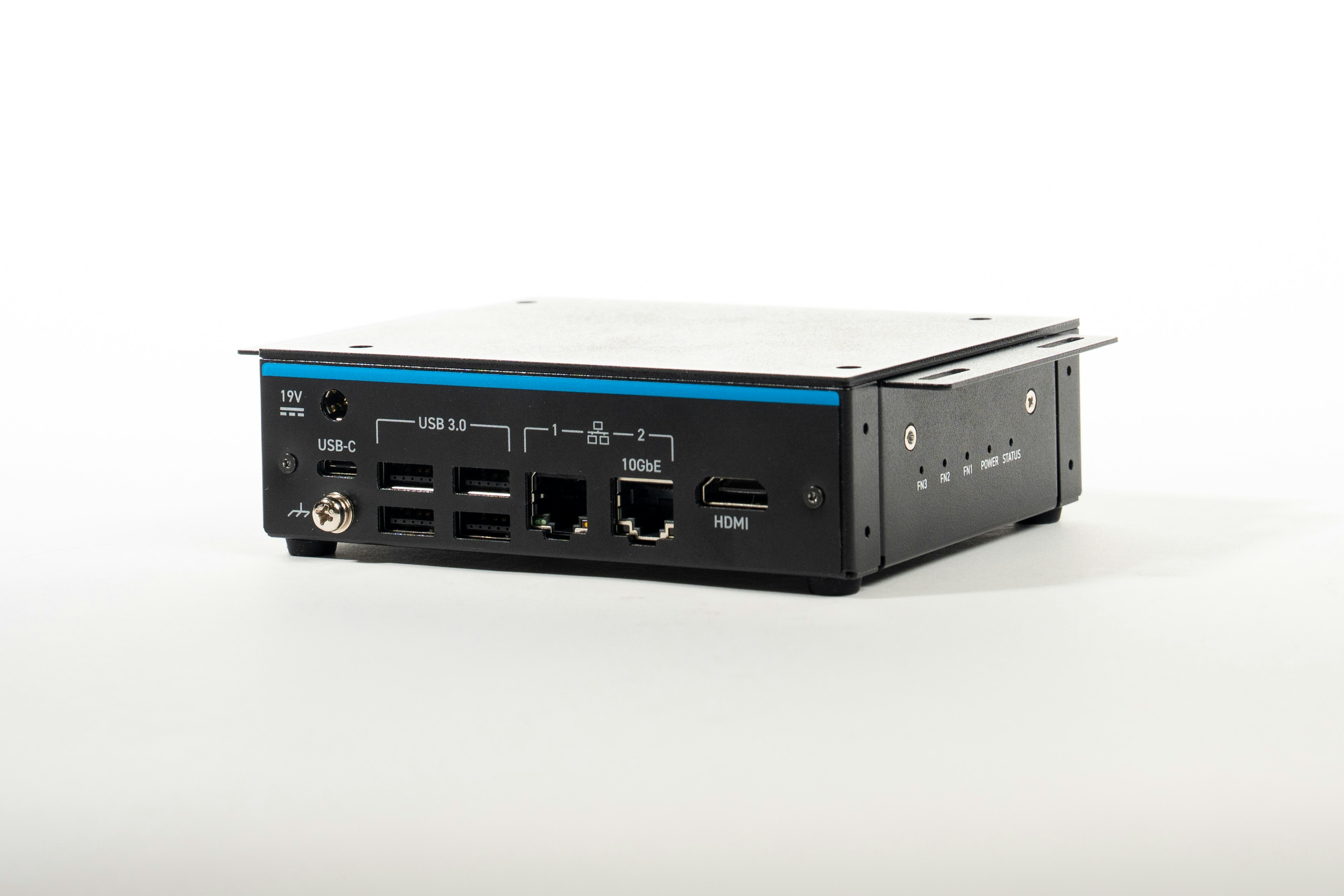
Setting up your FR101
1. Installing Dependencies
Install version 2.26.0.240828 of the QAIRT SDK. Set the LD_LIBRARY_PATH and ADSP_LIBRARY_PATH environement variables to find the dependencies needed for qnn accelerated inference.[!TIP] To ensure that your SDK install is ready for accelerated inference, run theqnn-platform-validatorbinary in thebin/aarch64-ubuntu-gcc9.4/directory with arguments--backend all --testBackend.
2. Connecting to Edge Impulse
After setting up the inference dependencies, start the edge impulse linux runner.3. Verifying that your device is connected
That’s all! Your device is now connected to Edge Impulse. To verify this, go to your Edge Impulse project, and click Devices. The device will be listed here.Next steps: building a machine learning model
With everything set up you can now build your first machine learning model with these tutorials:- Responding to your voice
- Recognize sounds from audio
- Adding sight to your sensors
- Object detection
- Visual anomaly detection with FOMO-AD
Deploying back to device
Using the Edge Impulse Linux CLI
To run your Impulse locally on the FR101, open a terminal and run: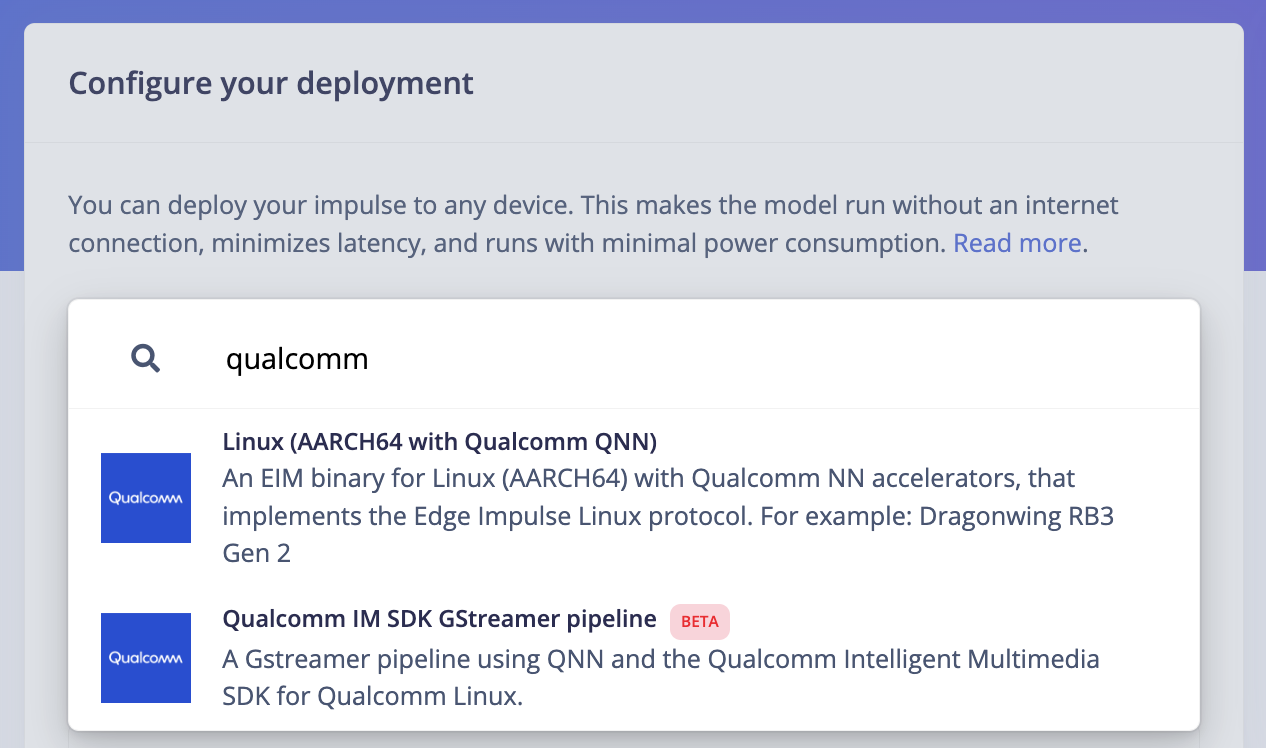
Using the Edge Impulse Linux Inferencing SDKs
Our Linux SDK has examples on how to integrate the .eim model with your favorite programming language.[!NOTE] You can download either the quantized version and the float32 versions of your model, but the Qualcomm NN accelerator only supports quantized models. If you select the float32 version, the model will run on CPU.
Using the IM SDK GStreamer option
When selecting this option, you will obtain a .zip folder. We provide instructions in the README.md file included in the compressed folder. See more information on Qualcomm IM SDK GStreamer pipeline. Image model?
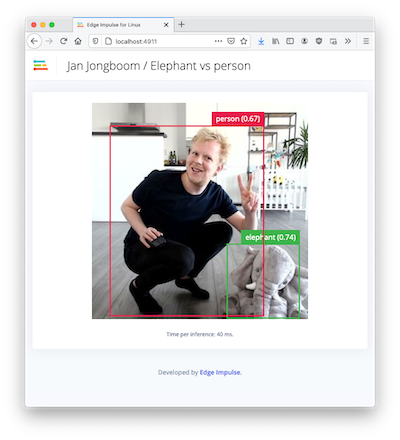
If you have an image model then you can get a peek of what your device sees by being on the same network as your device, and finding the ‘Want to see a feed of the camera and live classification in your browser’ message in the console. Open the URL in a browser and both the camera feed and the classification are shown: